Diving Deeper With PHP + A Touch of mySQL
Published by Curtis King
Introduction
As a beginner learning PHP and MySQL, I recently embarked on a coding challenge set up by John Crickett to build a simple full-stack blog application. This project has been a great learning experience, and while I have come across some difficulties which are new to me, it's been really good being able to get my hands dirty, practicing and gaining a deeper understanding of these technologies.
Setting Up the Environment
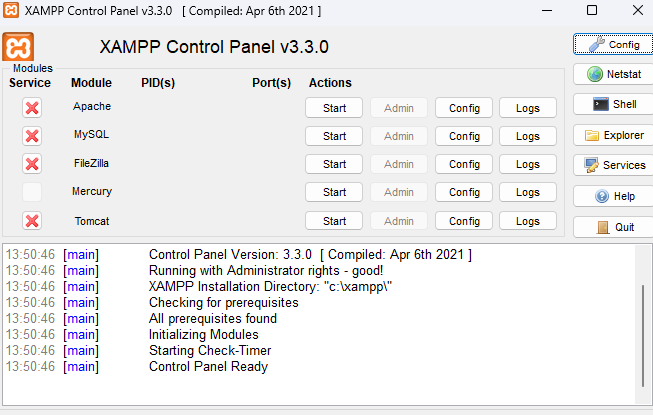
The first step was to set up my development environment. I decided to use XAMPP, considering that I was familiar with it's dashboard through my main learning resource, the PHP & MYSQL book by Jon Duckett. This is a popular package that includes Apache, MySQL, and PHP. After installing XAMPP, I created a new database and a table to store blog posts and user information.
Database Structure
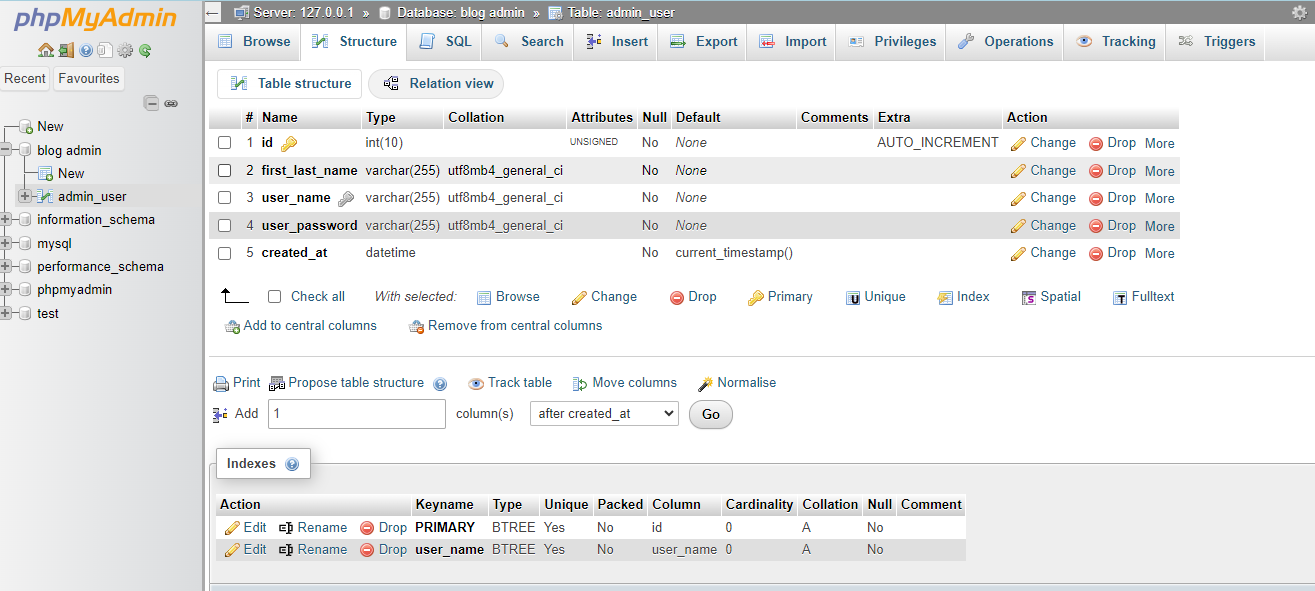
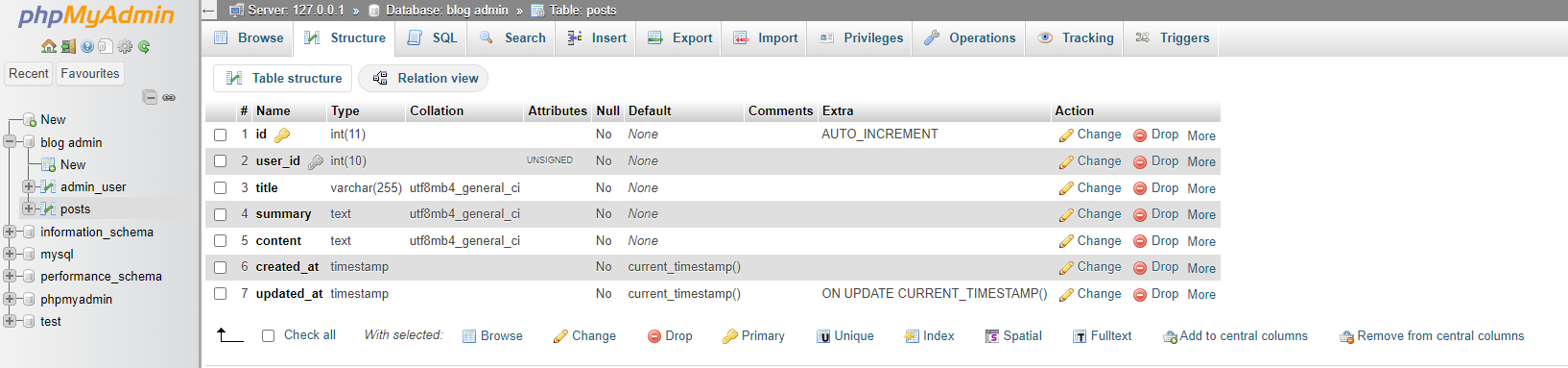
So far I have designed a simple database structure with two tables: admin_user and posts. The admin_user table stores information about the users who will be able to manage their individual blog posts, while the posts table will store the blog posts themselves. I established a foreign key relationship between the two tables to associate posts with specific users. I intend to add password hashing functionality to the admin_user table at a later stage.
PHP and MySQL Interaction
Using PHP, I connected to the MySQL database and wrote queries to retrieve, insert, and update data. I am learning how to prepare SQL statements to prevent SQL injection vulnerabilities and how to bind parameters to avoid potential security risks.
Creating the Blog Interface
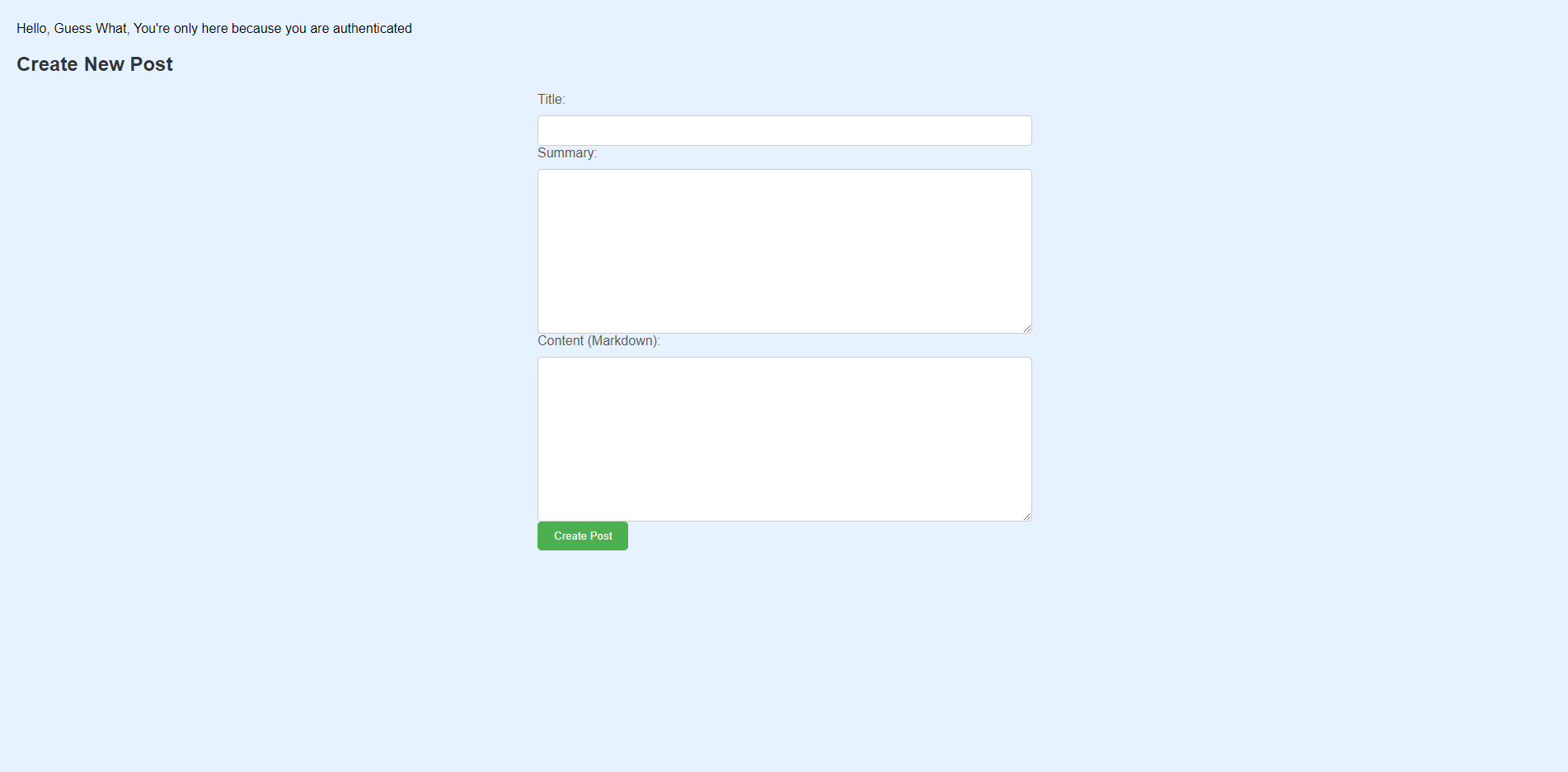
I designed a basic HTML interface for creating new blog posts. Users can input the title, summary, and content of their posts. The content is stored in Markdown format to allow for easy formatting. I plan to add further styling and functionality for adding images to this going forward.
Converting Markdown to HTML
To display the blog posts in a readable format, I will need to research and choose a Markdown parser library to convert the Markdown content to HTML. This will allow the user to include elements like headings, lists, and code blocks in posts.
Challenges and Lessons Learned
So far while building this project, I have encountered several challenges, such as understanding database relationships, handling form submissions, and implementing security measures. However, by persevering and seeking help from online resources, I was able to overcome these obstacles one by one.
Conclusion
This project is for sure a valuable learning experience for me, and I'm gaining an understanding of PHP, MySQL, and web development fundamentals. I'm excited to continue building on this project and exploring more advanced features in the future.